HP DeskJet all-in-one set up for print, scan and copy
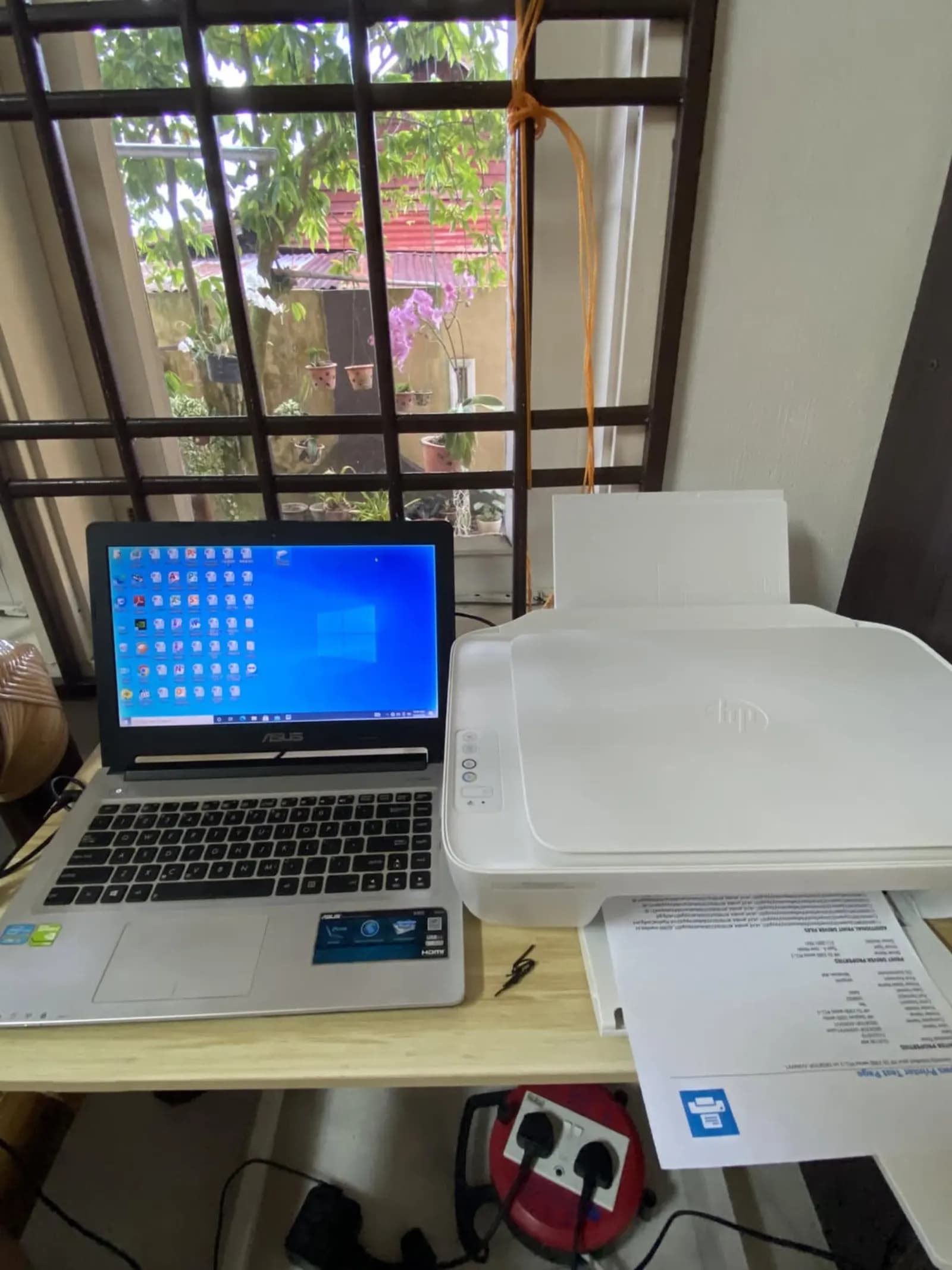
An HP DeskJet all-in-one supplied and set up at the counter, with the cartridges installed and a test page printed before it went out.
- Services
- Printer & ink
- Type of premises
- Other premises
The problem
A new printer only earns its place once the ink is in, the driver is on the computer and a test page comes out clean.
What we did
- Cartridges installed and primed
- Printer connected and set up for print, scan and copy
- Test page printed and scanned back in
- Copy function checked
Tell us what you need
Send a short description and your location, and we'll reply with the next step.